How to Fish Multiplayer & Co-op Guide
How to Fish is built around co-op chaos — up to four players sharing one island, one boss fight, and one very bad decision at a time. Here's exactly how to set up a session, what crossplay does and doesn't cover, and how progress works when you're playing with friends.
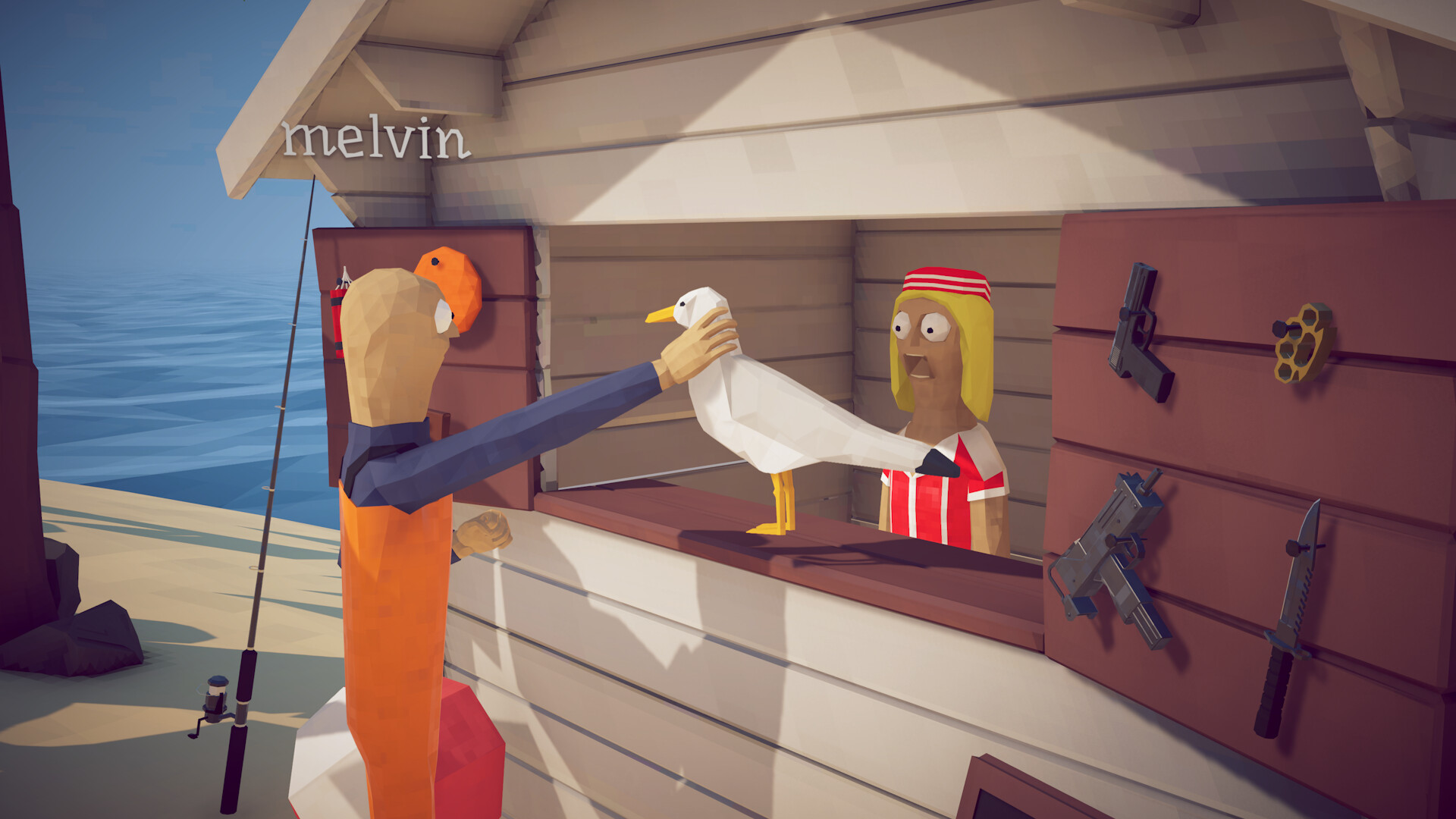
Player Count
How to Fish supports 1 to 4 players. You can play the entire game solo, or bring up to three friends into the same session online. There is no dedicated PvP mode — it's a fully cooperative, PvE experience where everyone works through the same islands, quests, and bosses together.
How to Host a Multiplayer Session
- Launch How to Fish and select Multiplayer from the main menu.
- Choose Host and set your lobby's privacy (friends-only, invite-only, or public, depending on what's exposed in-game).
- Open the Steam Overlay (default
Shift + Tab) and invite friends directly from your Steam friends list.
How to Join a Friend's Game
The easiest way in is accepting a Steam invite when a friend sends one. Alternatively, right-click a friend who's currently playing How to Fish in your Steam friends list and select Join Game.
Is How to Fish Crossplay?
Quick answer: no. How to Fish has no crossplay, no split-screen, and no local/offline co-op. It's a Steam-exclusive PC title right now, so everyone in your group needs to own it on PC through Steam. If and when console versions ship, that could change — check our price & platforms guide for the latest on console plans.
How Shared Progress Works
All players in a session share the same island and the same overall campaign progress — if your group defeats a boss and unlocks the next island, everyone advances together. Individual gear, however, is per-player: your weapons, upgrades, and money are your own, not pooled with the group. That means everyone still needs to earn their own cash and buy their own gear, even while playing on a shared island.
Tips for Playing How to Fish With Friends
- Split up early, regroup for bosses. Early game, spreading out to fish different spots covers more water and earns money faster. Bosses go smoother with the whole group together.
- Communicate kill methods. Since trick shots and kill method affect a fish's sale value, coordinating who's finishing off which catch (and how) adds a real layer of co-op strategy. See the money guide for more on this.
- Watch friendly fire from explosives. Dynamite and other area tools are physics-based, so a poorly aimed throw can just as easily hit a teammate as a fish.
- Expect chaos, not efficiency. How to Fish's appeal is largely the mess four players make together — if you're optimizing for speed over fun, you're playing it slightly against the grain.
Voice Chat & Playing With Friends
How to Fish doesn't rely heavily on precise coordination, but it does reward communication — calling out a boss's attack pattern, warning a teammate about a thrown stick of dynamite, or just narrating a bad cast in real time is a big part of what makes co-op sessions memorable. Since the game has full controller support alongside mouse and keyboard, mixed setups (some players on controller, others on keyboard) work fine in the same lobby, which lowers the bar for pulling a wider group of friends in.
Multiplayer FAQ
Does How to Fish have split-screen?
No. Every player needs their own PC and their own copy of the game connected online — there's no local or split-screen multiplayer.
Can I play with someone who doesn't own the game?
No, How to Fish doesn't currently offer a free trial, demo, or friend-pass system — every player in a session needs to own a copy on Steam.
Is progress lost if I play solo, then join co-op?
Individual gear and money are tied to your own save, not the lobby, so switching between solo and co-op sessions doesn't erase your personal progress.
Want More Than 4 Players?
The official cap is 1-4 players. Community-made mods exist on Nexus Mods that raise the multiplayer cap beyond four (an "8-player co-op" mod is one example), but these are unofficial, third-party tools — use them at your own risk and expect them to break across game updates. See the Discord & Mods guide for more on where to find community mods.
Multiplayer Connection Issues
If you can't join or host a session, the most common fixes are checking that Steam is fully updated, confirming your firewall isn't blocking Steam's networking, and making sure both players are on the same game version. A more complete troubleshooting checklist is in our troubleshooting guide.
Page last updated: 2026-08-27